Drawing tools · Shapes and text

Brush

The brush draws freehand on the chart: circle a pattern, underline an area, sketch an idea. The stroke is simplified to remove jitter and anchored to time and price, so it stays in place when you scroll or zoom.

What it's for
  • Circle or underline a structure freehand.
  • Sketch an idea quickly on the chart.
Points
Press and draw
Plan
Every plan
Default width
2 px
Anchored
To time and price

Highlighting by hand
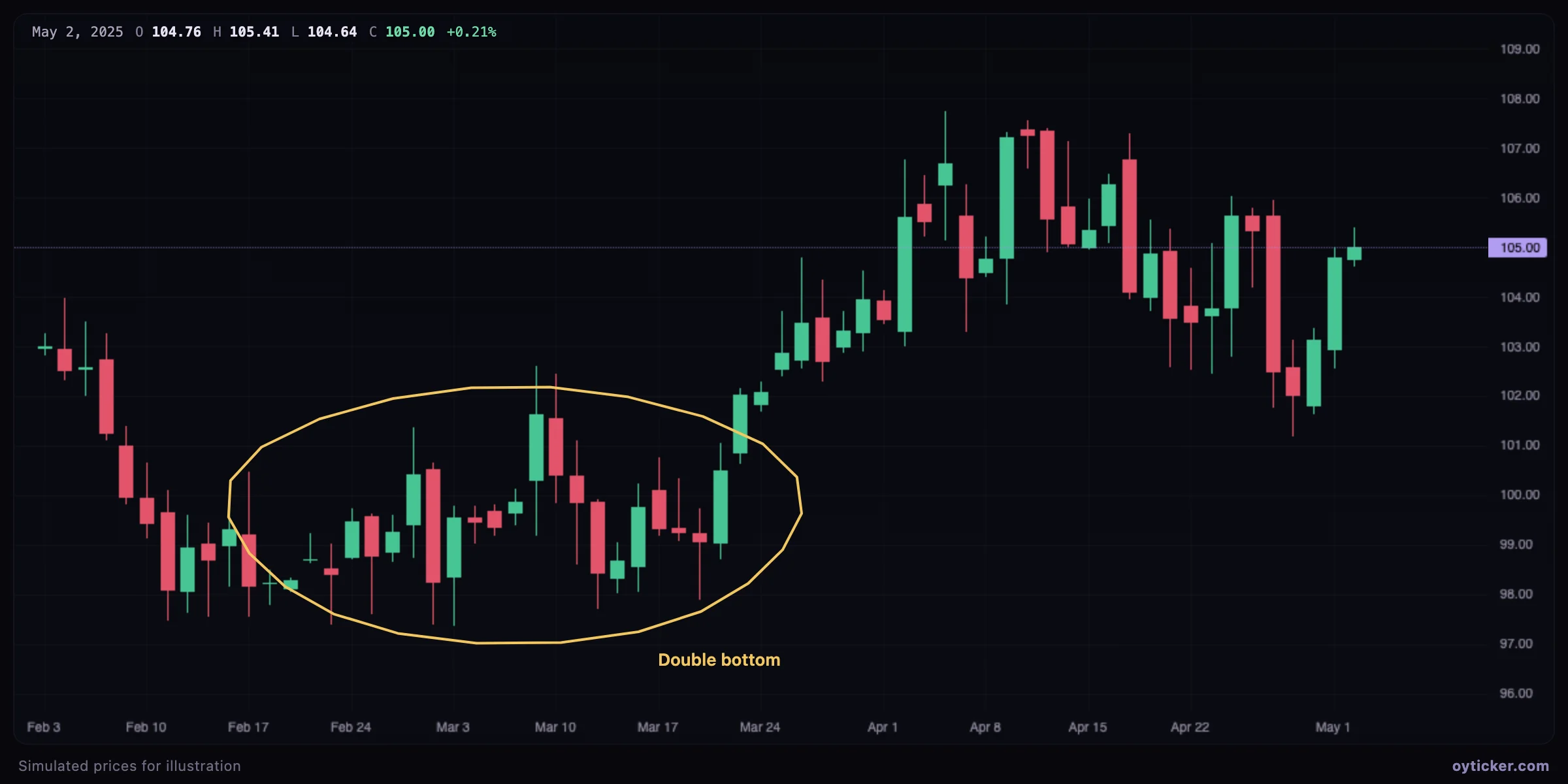
Freehand ellipse around a double bottom with the label Double bottom
A freehand ellipse around a double bottom, with a text label. A quick way to point at a structure when a precise tool is not needed.
  1. Choose Shapes & text → Brush.
  2. Press, draw, release. The stroke is smoothed (Ramer–Douglas–Peucker simplification) and each point is anchored to a time and a price.
  3. Select it to change its color or width, move it, or delete it.

Charts in this guide use simulated prices generated for illustration; levels and outcomes shown are examples, not observations of a real market. Educational content only, not investment advice.

Brush tool: freehand drawing on a chart | Oyticker