
How to use
Open Watchlist Watchlist
Your Watchlist is the list of what you follow: tickers (stocks, ETFs, currencies, crypto), sectors (technology, energy…) and markets (crypto, forex, commodities, indices, rates). Oyticker builds a private news feed from them, also in the Feed under Watchlist, and the bell tells you when a new story concerns them.
What you follow
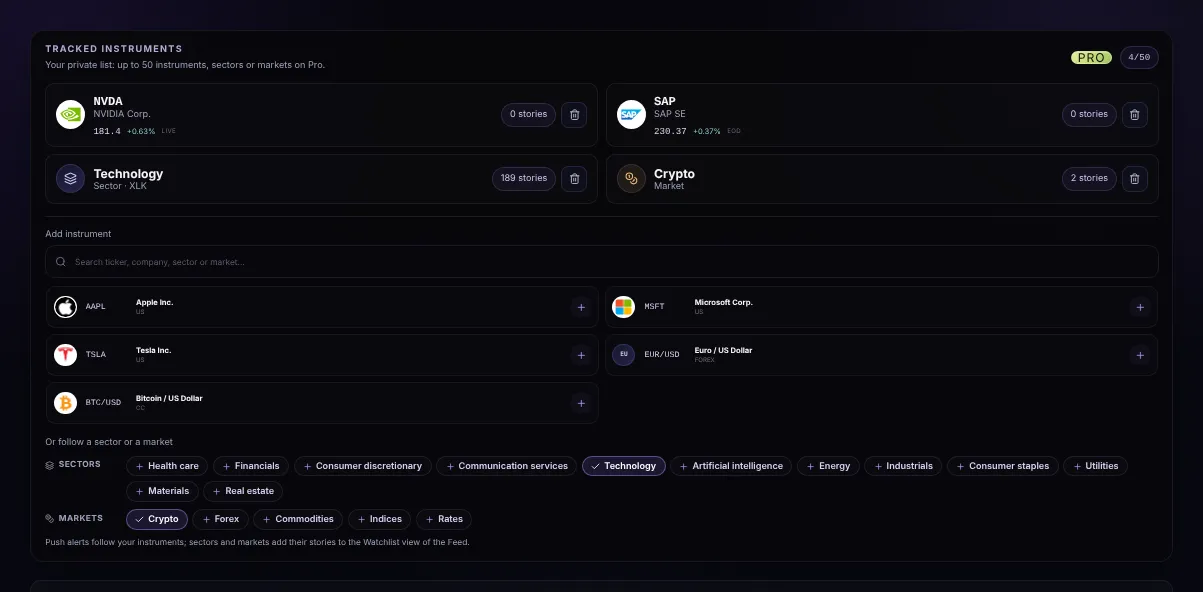
- Places usedTickers, sectors and markets share the same places: 2 on Free, 10 on Plus, 50 on Pro.
- A tickerIts last price and change, refreshed every 30 seconds: LIVE in real time, EOD for markets updated at the close, ~15m when delayed.
- StoriesHow many stories about it you can read.
- RemoveStop following it; the place is free again.
- A sector or a marketFollows every story of the sector (with its reference ETF) or of the market.
Adding to your watchlist
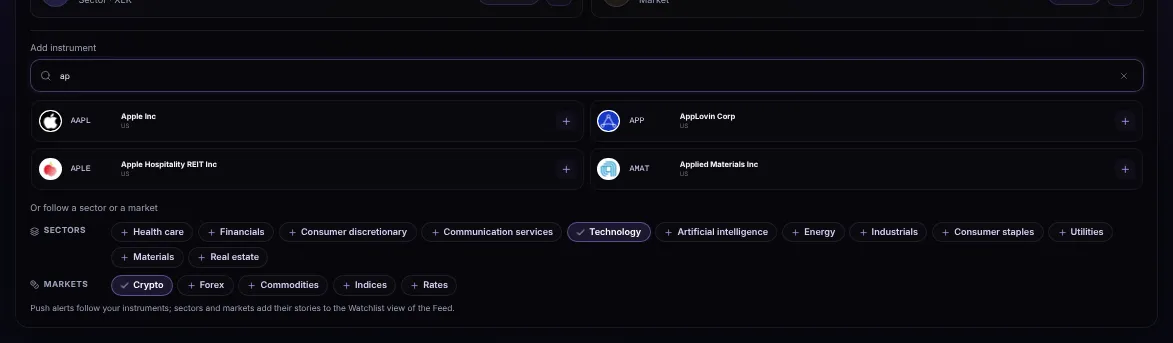
- SearchA ticker or a company name. Before you type, a few popular markets are suggested.
- AddClick a result to follow it at once.

- SectorsEleven sectors, from health care to real estate. A followed one is ticked; click it again to stop.
- MarketsCrypto, forex, commodities, indices and rates.
- AlertsPush alerts follow your tickers; sectors and markets fill your watchlist feed.
Your watchlist feed
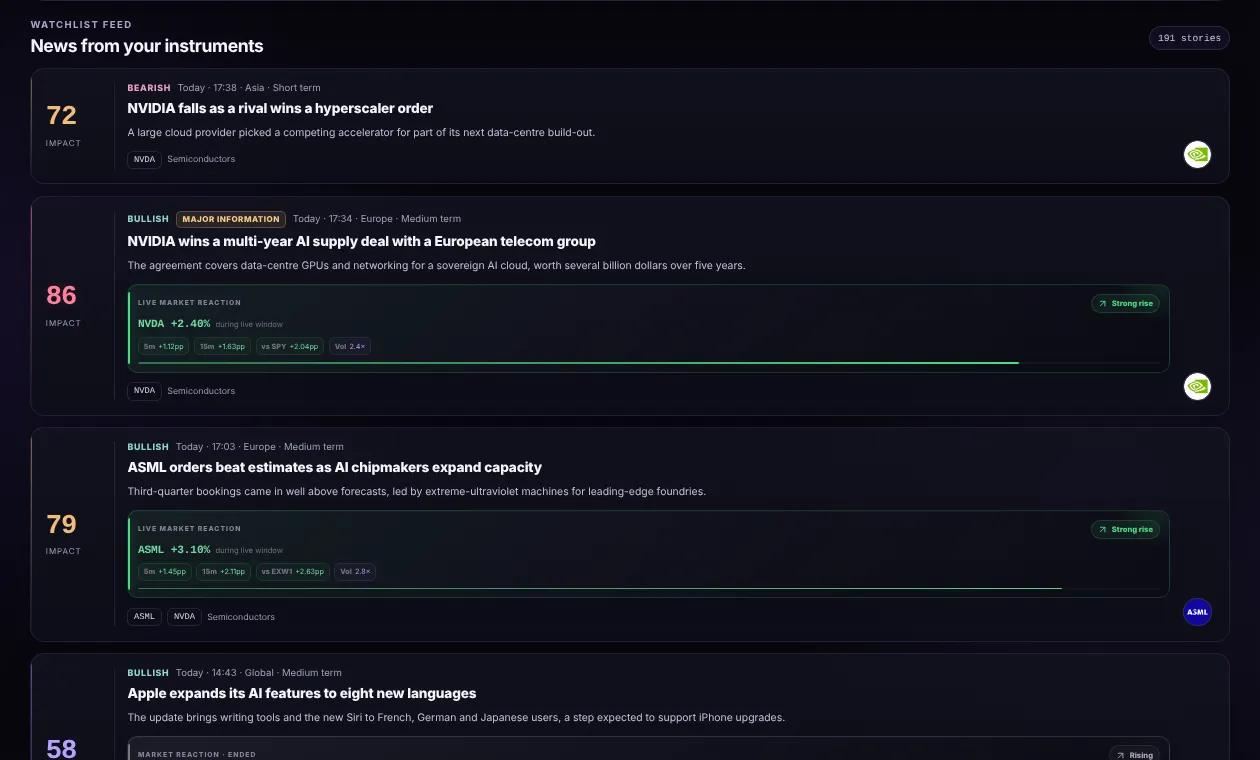
- Watchlist feedEvery story about what you follow, newest first, updated live. The number counts them.
- A storyThe same cards as the Feed: impact, tone, market reaction. Click to read it.
Free, Plus and Pro
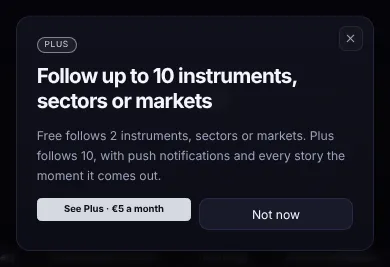
- Two places on FreeA Free watchlist follows two tickers, sectors or markets; Plus follows ten and adds push notifications, Pro follows fifty.
Screenshots use simulated prices and stories.